
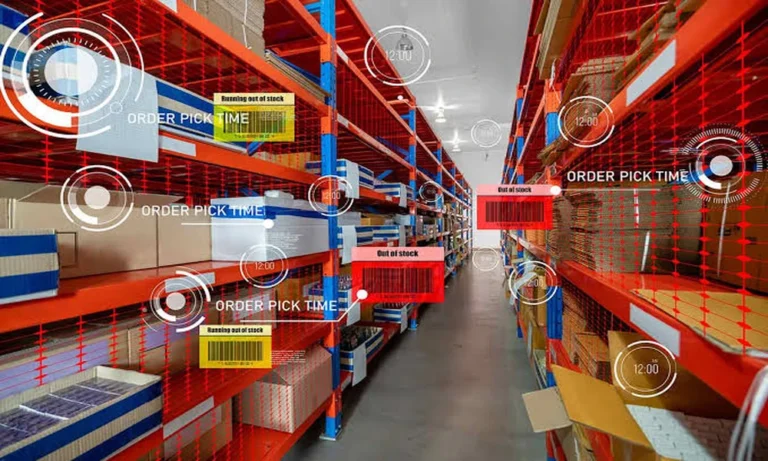
No single major mistake is likely to sink a warehouse. It starts with a few minutes here and there: an employee cannot locate something, stock levels are obsolete, or an order sits for too long waiting to be packed. The right warehouse management system can bridge these processes and maintain a steady flow of goods.
But not all operations are alike. Most businesses are planning to keep the stock in a simple way and some need complex automation. Different types of warehouse management systems are also helpful to select the software that suits your day-to-day job.
The Warehouse Technology Ladder
You can think of a warehouse system as an evolution. Every level provides additional control, visibility, and automation.
Level One: Basic Inventory Control
The simplest systems are purely about what is in stock and where it can be found. They may include tracking the quantity of a product, location of storage, receipts, and shipments.
Such a system can automate flagging of manual spreadsheet, as well as common stock errors. This is usually sufficient for a small warehouse with a limited product range and stable order volume.
Level Two: Task-Based Warehouse Management
Higher-end systems take care of what happens behind each order. They assign assistant receiving, picking, packing and shipping to their employees.
The software can also suggest choices, such as, whether to pick routes or put similar orders together. These features can save walking time with staff completing more orders in their shifts.
Level Three: Connected Warehouse Operations
In contrast, a connected WMS connects the warehouse with other business systems. Those might be ERP, as well as sales, purchase, transportation, and customer service platforms.
When systems exchange data, teams can be confident to see shifts in inventory sooner. Sales personnel can give more accurate timeframes for delivery, while purchasing teams will answer low levels of stock faster.
Level Four: Automated Warehousing
Still, other warehouses require software that can integrate seamlessly with scanners, conveyors, automated storage solutions, robotic systems, or RFID.
An automated WMS tells machines and workers where to go, what work to do based on order priorities, products, and their locations, resources available. Although this increases speed and accuracy, it requires a heftier investment while staff training may be required too.
Another Key Difference: Where the Software Runs
Warehouse management systems can also come in different types by hosting model.
- Cloud-based WMS: Software is hosted online by the provider. It offers simple upgrades, more accessible remote access and cheaper initial hardware costs.
- On-premise WMS: A company must implement and manage system itself. Although it provides pretty-darn control, but can be regarded inside delivering tech support.
- Hybrid WMS: This solution is a mixture of cloud and on-premise tools. This may be ideal for enterprises with specific security, interoperability, or other data requirements.
Use Your Workflow as the Test
Map the steps of your data flow, from when you receive data to shipping step before selecting system. Identify areas where there are delays, duplication of data, errors in stock, and reliance on single digit task expiries.
Then compare systems based on:
Not always the most advanced system is the best. The one that fixes actual problems and does not make them worse. A realistic assessment of your workflow can help you decide among the types of warehouse management systems to make a choice that boosts accuracy, productivity, and customer service.